

Share screen recordings from your own domain.
Click upload in Maxisnap and the link opens on your own web address, with your logo and colours. Your team's captures sit in one library.
$29Paid once. No subscription.
- Works with Maxisnap for Windows and Mac
- Runs on your web hosting or a free Cloudflare account
- Roles and access for every teammate

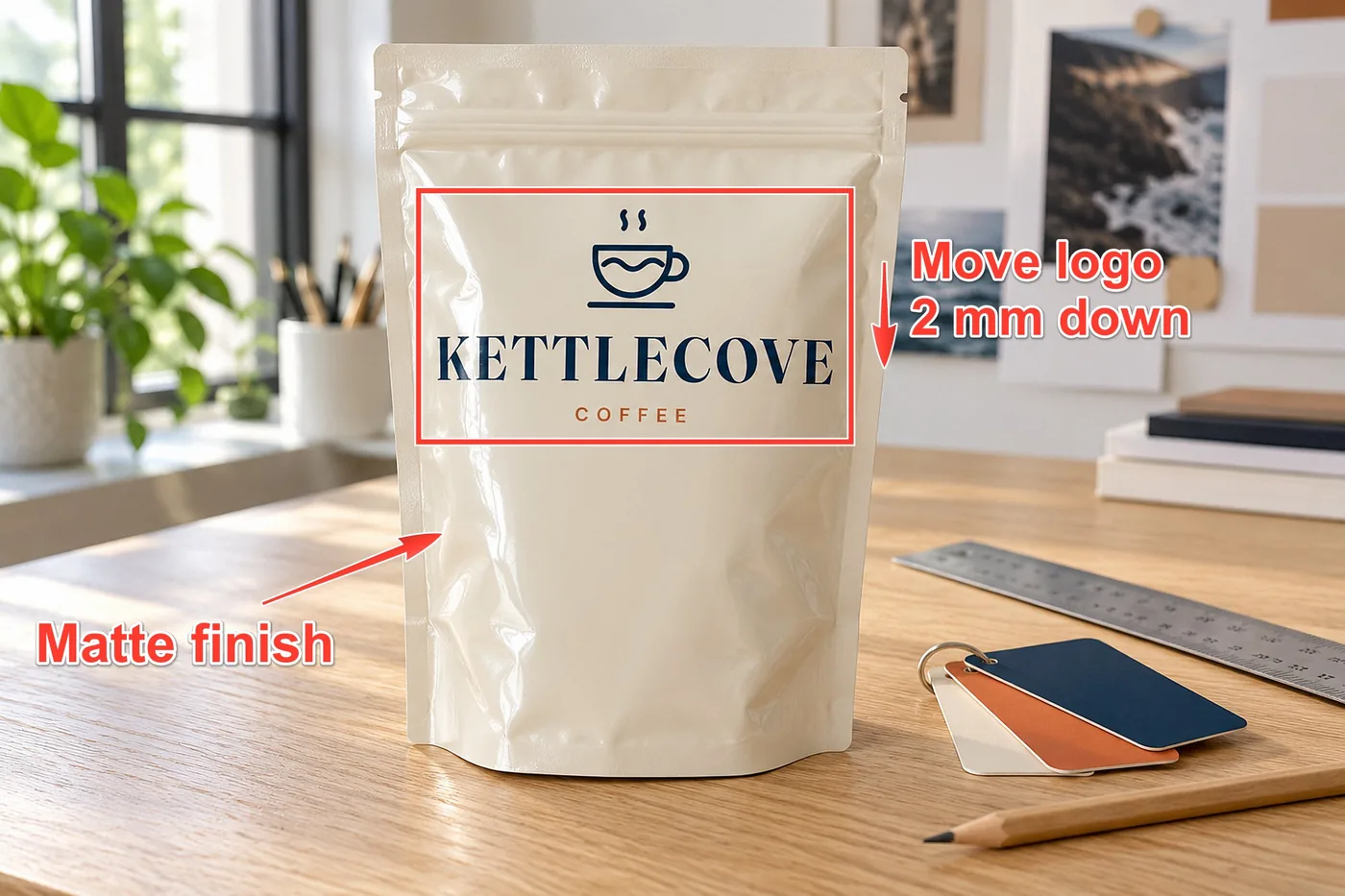
Capture. Upload. Your link is ready.
Studio fits into what you already do in Maxisnap.
-
Capture
Record your screen with your voice, or take a screenshot and mark it up with arrows, numbered steps and blur.
-
Upload
One click sends it to your Studio. The share link is already on your clipboard.
-
Share
Paste the link anywhere. People open a clean page on your domain, with your logo on it.
Links that look like your own product.
Every capture gets its own page on your address: your logo, your colours, a Copy link button, a download button and, if you like, a button back to your website.
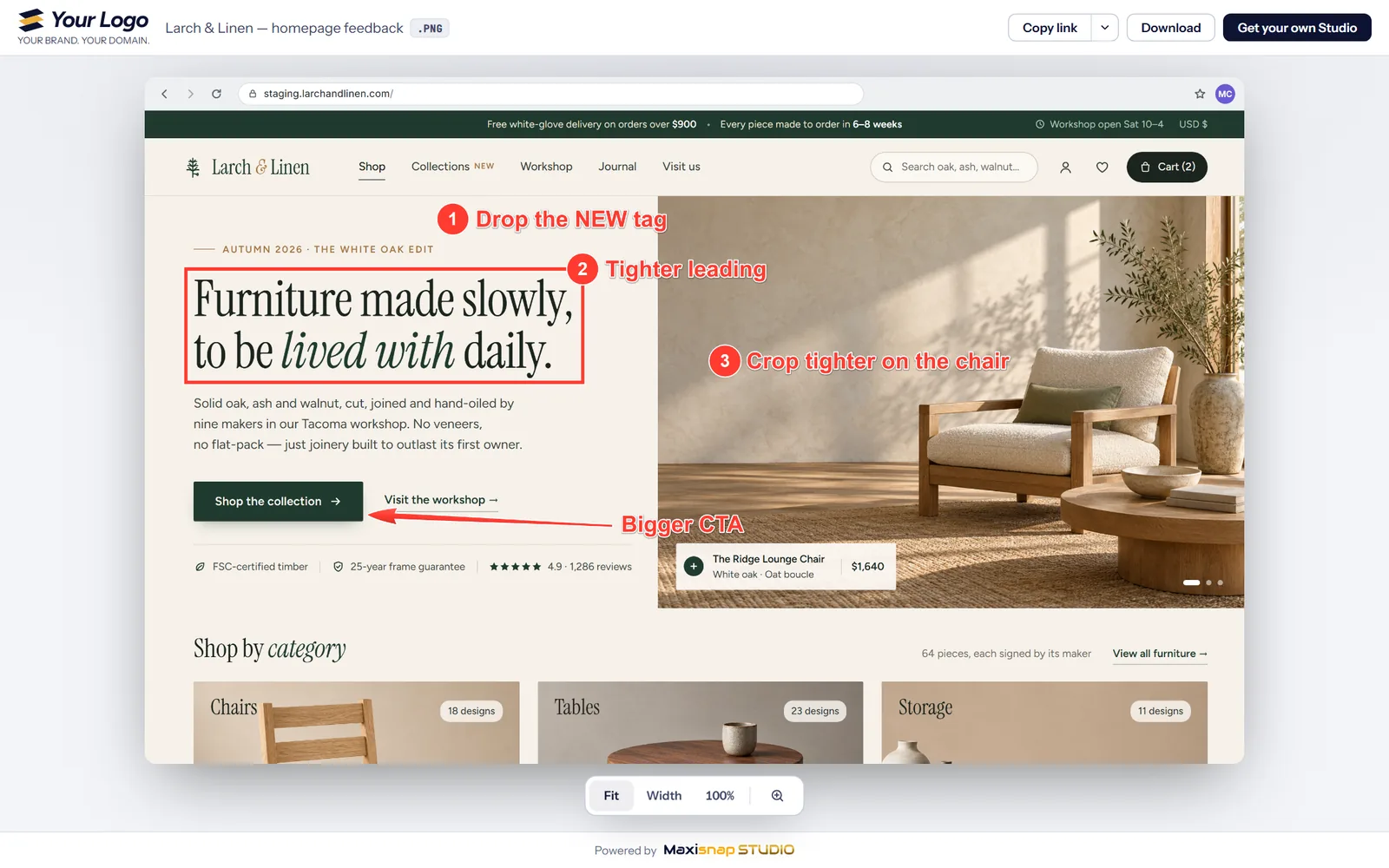
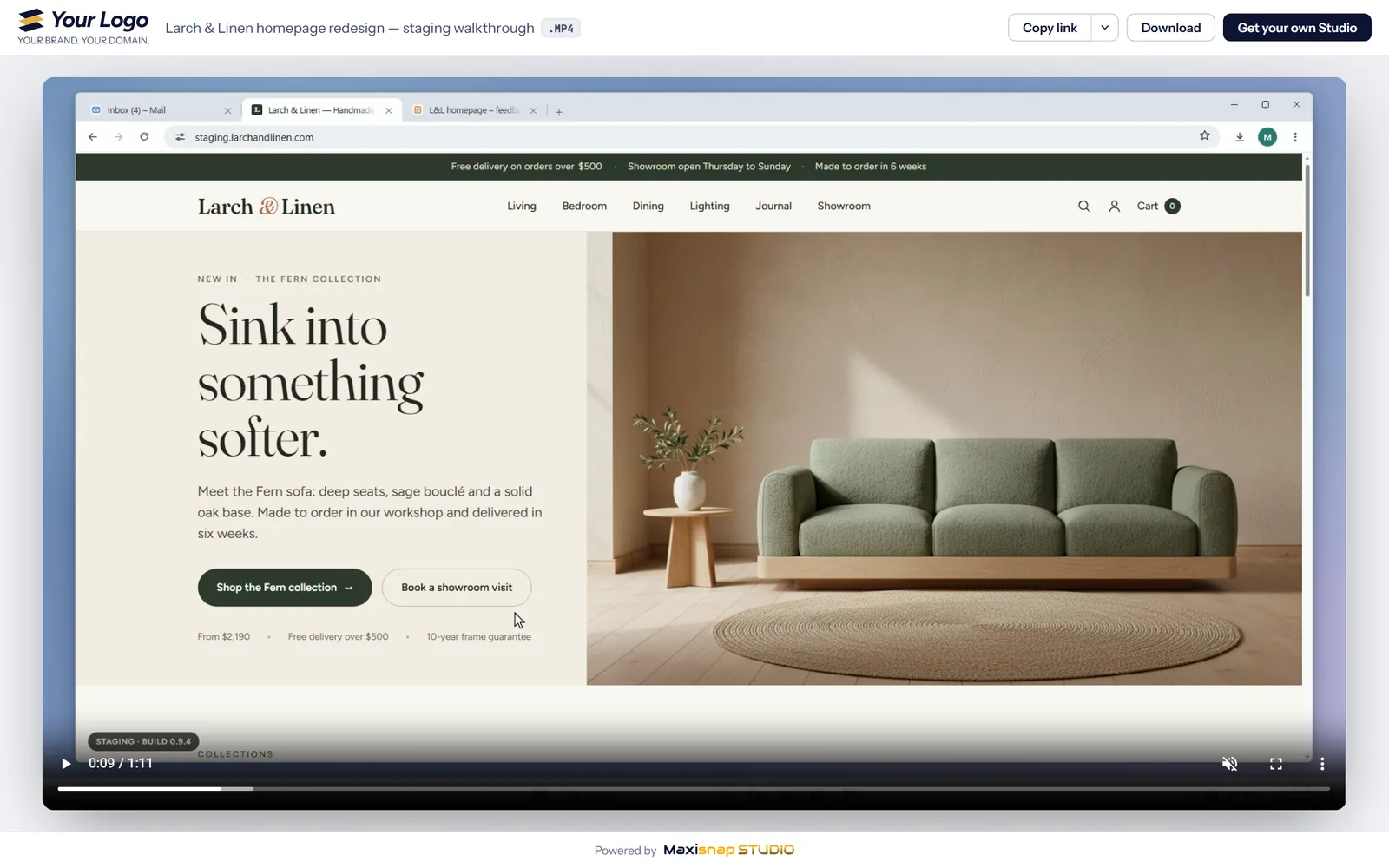
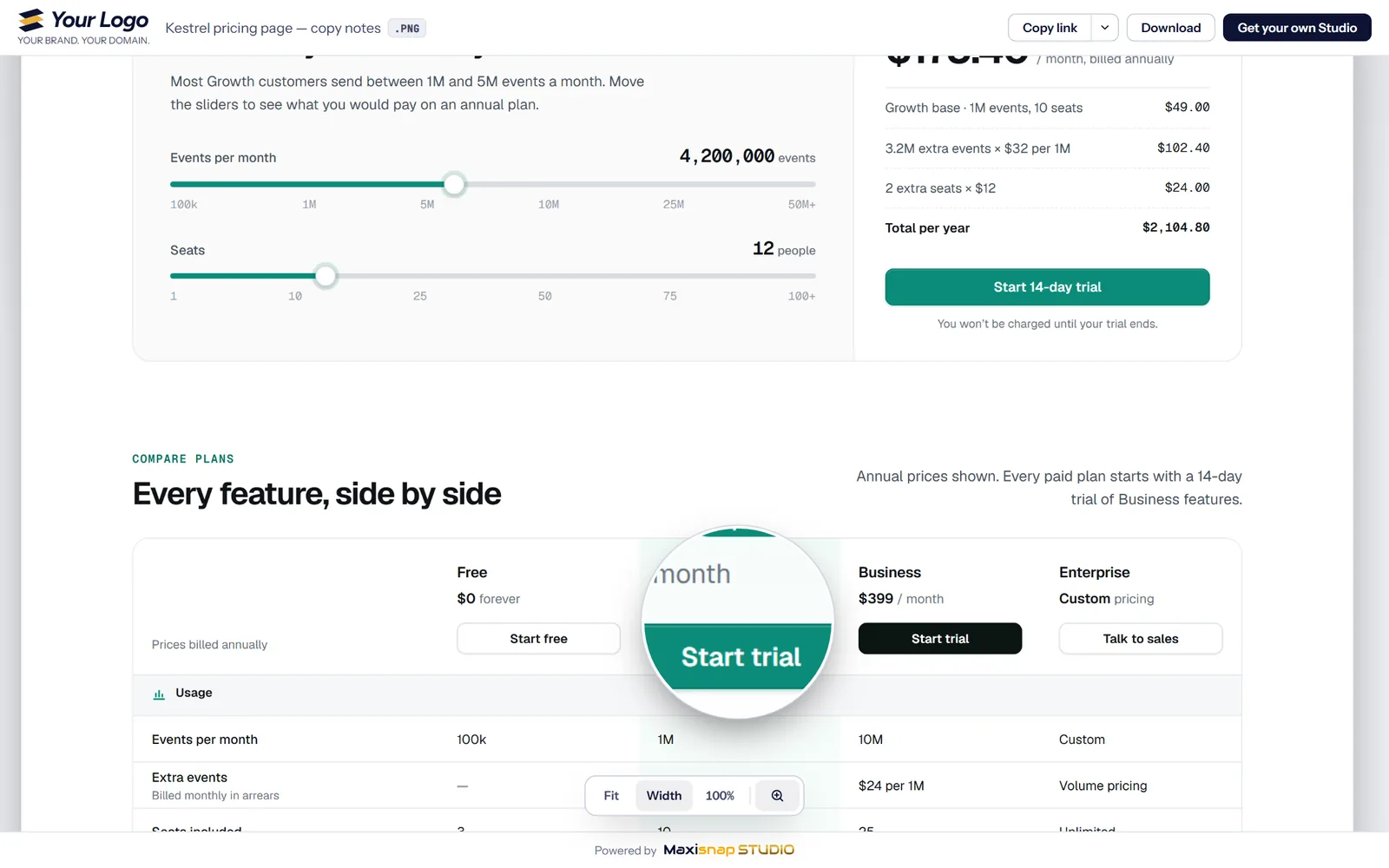
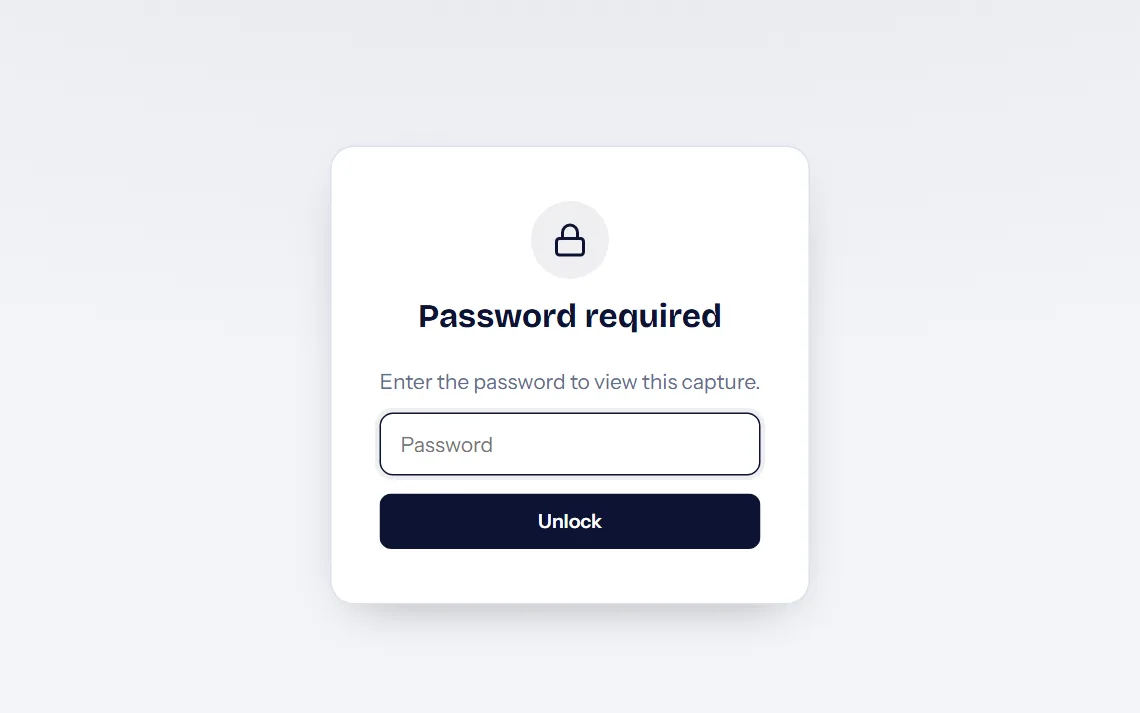
These are real share pages in our demo Studio. Click any of them to open the live link.
The demo password is preview
One library for your whole team.
Everything your team uploads lands in one private dashboard on your domain, ready to search, sort and share.
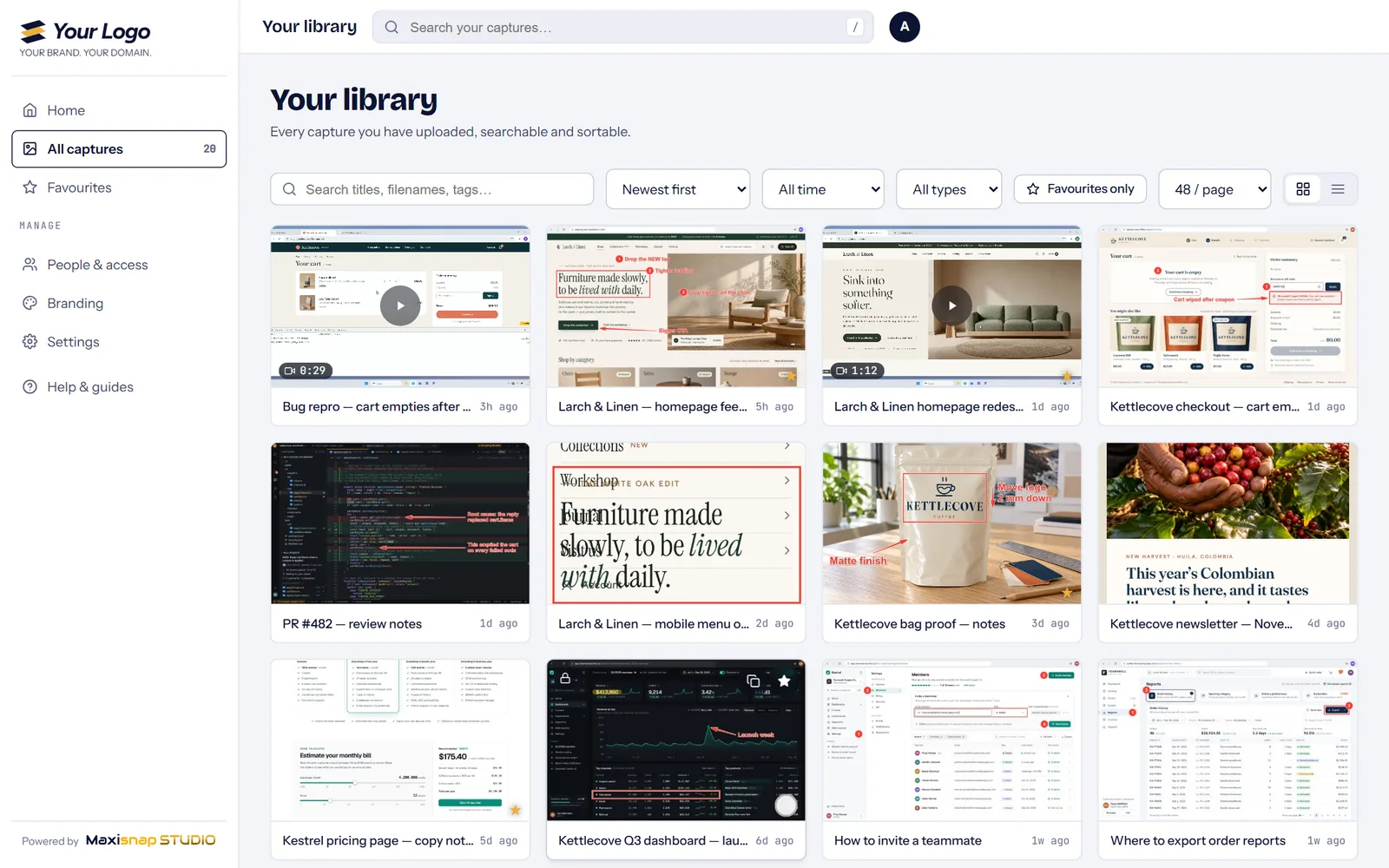
- Search titles, file names and tags
- Favourites, filters, and sorting by date, size or views
- Views, unique viewers and downloads for every capture
- Public, team-only or password-protected links
- Admin, Manager, Member, Viewer and Upload-only roles
- Copy, download, favourite or delete many captures at once
It runs on your accounts, not ours.
- Your storage
- Captures are stored on your web hosting or in your own Cloudflare account, not on Maxisnap's servers.
- Your address
- Links use your domain, like snaps.yourcompany.com or yourcompany.com/snaps.
- Your brand
- Your logo, colours and fonts, a light or dark theme, and your own button on every share page.
- Source code included
- Studio comes with its source code, and it makes no calls to Maxisnap's servers.
Easy to set up, even without a website.
Studio runs where it suits you. The setup guide walks you through each route, one step at a time.
-
On web hosting you already have
Upload the Studio folder and open one page.
-
In a free Cloudflare account
No website needed. Your Studio gets its own address.
-
With your AI coding assistant
Paste the ready-made instructions and let it set Studio up with you.
-
By your developer
Source code for both editions, an upload API and a command-line deploy.
One price. No subscription.
$29
Paid once.
- Branded share pages on your own domain
- The team dashboard, in both editions, with source code
- Your own upload servers in the Maxisnap app: SFTP, FTP, S3-compatible or HTTP
- Studio updates, downloaded from your Maxisnap account
- Works with the free Maxisnap plan
Full refund within 30 days.
Questions before you buy
Do I need a website?
No. Studio can run in a free Cloudflare account of your own, with an address like snaps.yourname.workers.dev. If you have web hosting with PHP, it can live there instead.
Do I need Maxisnap Pro?
No. Studio works with the free Maxisnap plan. Pro is a separate subscription for storage on Maxisnap's own servers.
Is it really a one-time payment?
Yes. Studio costs $29, paid once. Your storage is with your web host or your own Cloudflare account, on their terms.
Can my whole team use it?
Yes. Give each person their own access code and a role: Admin, Manager, Member, Viewer or Upload-only.
What happens to my links if I stop using Maxisnap?
They keep working. Studio and your captures run on your own hosting, and the dashboard makes no calls to Maxisnap's servers.
Does it handle videos and long screenshots?
Yes. Videos play in the browser, and long scrolling captures open at full width, with zoom and a magnifier.
Can I change the logo and colours later?
Yes. Change your logo, colours, fonts and button on the dashboard's Branding page at any time. Share pages update straight away.
Does it work with WordPress hosting?
Studio uses PHP 8 or newer on Apache or LiteSpeed, with .htaccess rules enabled and writable storage. WordPress is optional. Check those requirements with your host; upload limits depend on the hosting configuration.
Can I resell it as my own product?
No. Studio is licensed for personal or single-company use — meaning you, your company, and your clients who view links on your dashboard. You may not rebundle, resell, relicense, or offer the dashboard as a service to third parties as a commercial product. For OEM or multi-tenant reseller agreements, email sales@maxisnap.com.
Put your name on every link you share.
Maxisnap Studio. $29, paid once.
How useful does Maxisnap Studio look for your work?
Not ready for Studio? Try Maxisnap Pro free for a month.
Pro adds 10 GB of cloud storage, ad-free share pages and view analytics to the Maxisnap app you already use. Enter your email and we'll send you the link.